
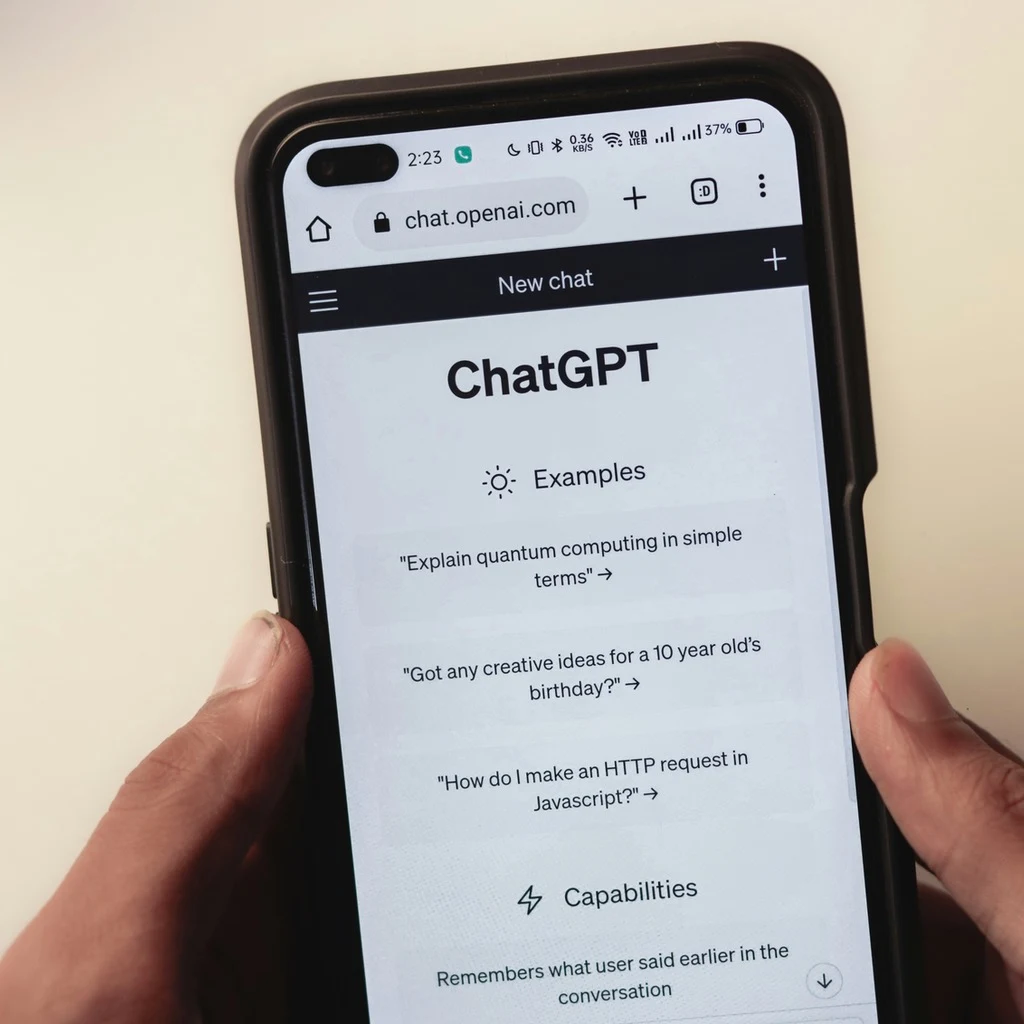

ChatGPT has a built-in "Export data" feature, but most people have no idea what it actually contains, or how limited it is. If you've ever wondered whether your ChatGPT Memory is included, whether you can get your DALL-E images, or why the download takes 24 hours, this guide covers everything.
What You Actually Get in a ChatGPT Data Export
When you request a data export from ChatGPT, you receive a ZIP file containing four files:
conversations.json
This is the main file. It contains every conversation you've ever had with ChatGPT, structured as JSON. Each conversation includes the full message history, timestamps, and model information.
Try ChatExport on iPhone or iPad
Export ChatGPT conversations to PDF, Word, or Markdown — privately, offline, no account needed.
The catch: it's raw JSON. There's no formatting, no readability, and no easy way to open a single conversation without parsing the entire file or writing code.
user.json
Your account information, display name, email address, phone number, and importantly, your custom instructions. If you've set default behaviour instructions for ChatGPT, they're stored here.
message_feedback.json
Thumbs up / thumbs down feedback you've given on responses. Useful if you want to know which responses you rated, but not something most users will ever open.
model_comparisons.json
Data from any A/B comparisons you participated in where ChatGPT showed two responses and asked which was better. Most users will find this file empty or near-empty.
Does the ChatGPT Data Export Include Memory?
No. As of 2025, ChatGPT Memory entries aren't included in the data export.
This is one of the most common questions about the export feature, and the answer is a clear no. If ChatGPT has learned facts about you, your preferences, your job, your name, none of that appears in the ZIP file.
To view or manage your Memory entries, you need to go to: Settings → Personalisation → Memory → Manage memory.
There is no way to export your Memory as a file through any official ChatGPT feature.
Does It Include Custom Instructions?
Yes. Custom instructions (the "What would you like ChatGPT to know about you?" and "How would you like ChatGPT to respond?" fields) are stored in user.json under the custom_instructions key.
Does It Include DALL-E Generated Images?
No. Images generated with DALL-E aren't included in the data export. The conversation text referencing the image generation may appear in conversations.json, but the actual image files aren't attached.
Does It Include Shared Conversation Links?
No. Any conversations you've shared via a public link aren't separately identified in the export. The conversation text will be in conversations.json like any other chat, but there's no record of which conversations were shared or when.
How to Request Your ChatGPT Data Export
- Open ChatGPT on desktop or web (not the mobile app)
- Click your profile icon in the top-right corner
- Go to Settings
- Select Data controls
- Click Export data
- Confirm the request by clicking Confirm export
- Wait for an email from OpenAI (can take up to 24 hours)
- Click the download link in the email, it expires after a short window
- Extract the ZIP file and open the JSON files
The Real Limitations of ChatGPT's Native Export
Understanding what you get is useful. Understanding what makes it impractical day-to-day matters more.
- JSON isn't readable. Opening
conversations.jsonin a text editor gives you a wall of brackets and escaped characters. You need a JSON viewer or code to read it properly. - No per-conversation export. It's all or nothing. You can't export a single conversation through this method, you get every conversation you've ever had in one file.
- Requires desktop and email. You can't trigger or receive the export from the ChatGPT iPhone app. The download link arrives by email and must be saved from a browser.
- Up to 24-hour delay. The export isn't instant. If you need a specific conversation now, this process won't help.
- No images, no memory, no share history. Significant pieces of your ChatGPT history simply aren't included.
A Better Alternative for Per-Conversation Exports on iPhone
If what you actually need is to save a specific conversation, not your entire account history, ChatGPT's data export is the wrong tool.
ChatExport is a native iPhone app that does exactly this. Open the ChatGPT iOS app, share a conversation directly to ChatExport, and export it as a readable PDF, Markdown file, HTML page, or plain text, immediately, on-device, with no account required and no waiting.
The result is a clean, formatted document you can save to Files, share with someone, or archive however you want. No JSON parsing, no 24-hour delays, no desktop required.
If you need your full account history for compliance or data portability reasons, ChatGPT's built-in export covers that. For everything else, saving specific conversations, sharing outputs, building a readable archive, download ChatExport on the App Store.


